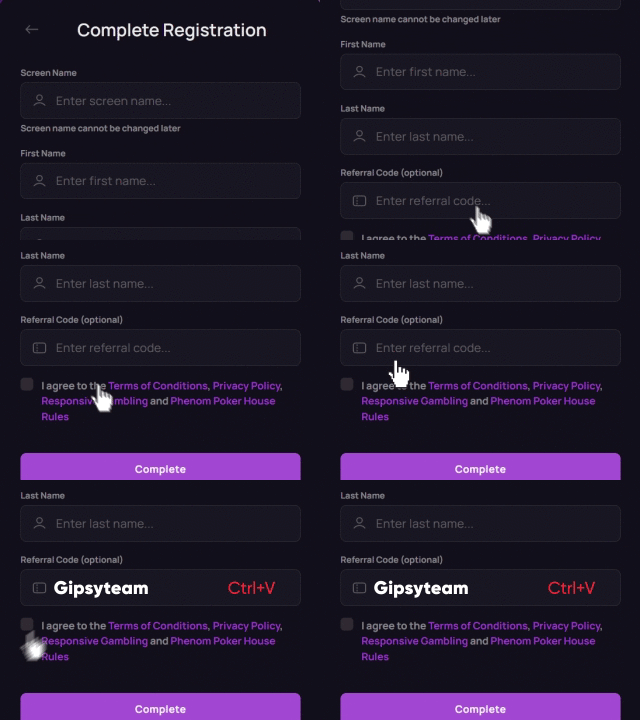


1Win Poker is a small and relatively new online poker room operated by a major sports betting site, which tends to bring in a lot of traffic from casual poker players looking to have some fun while waiting for their bets to settle.
The 1Win Poker app is currently available for Windows, Mac, and Android, while iOS players can access the poker room directly through a mobile browser. All players using devices that run on these operating systems can enjoy the full scope of games and services 1Win has to offer.
If you are looking for soft poker action, getting your hands on the 1Win Poker app is a must. In this guide, we will teach you how to download the 1Win Poker app for various devices, what types of games you can enjoy, and what other perks you can get playing at 1Win Poker.


1Win Poker App Download for Windows
If you are looking to play at 1Win Poker on your Windows-based PC or laptop, you will be glad to hear that the poker room is available both for instant play and as a downloadable Windows app.
To play instantly, simply visit the operator’s official website, navigate to the “Poker” tab, and you will be redirected to the poker lobby. In order to play, you will need to register an account with 1Win, which you can also use to bet on sports and play casino games. On the other hand, a downloadable poker app is also available, which will give you access to an even more complete online poker experience.
The software is smooth and offers a variety of modern options such as table theme customization, a 4-color deck, customizable betting sliders, auto-rebuy, video chat, and even a streamer mode.
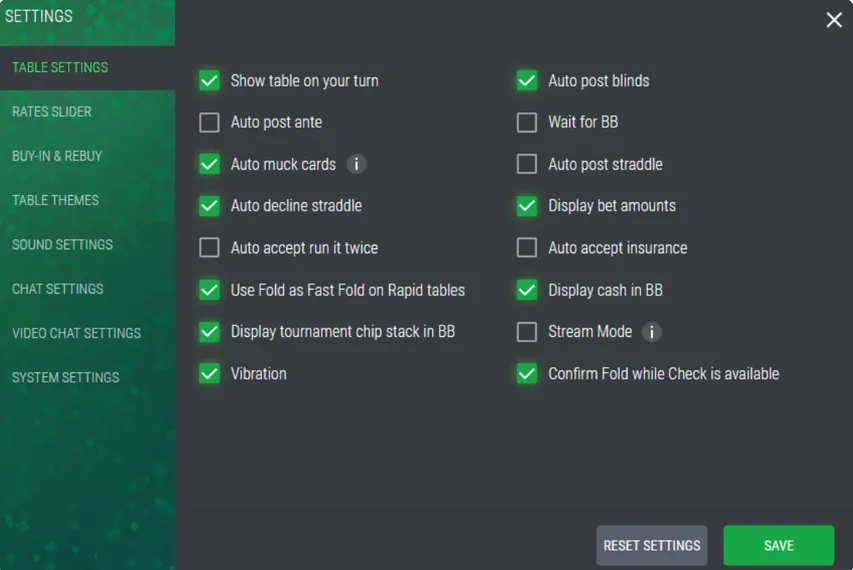
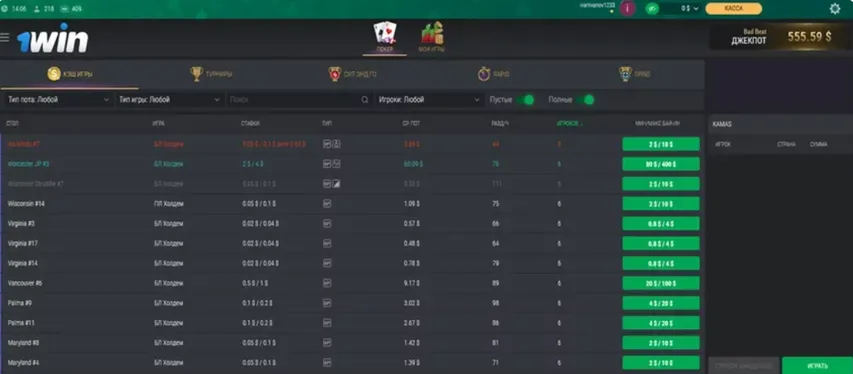
The app is downloadable directly from the operator’s website and can be installed in just a few minutes. You can create an account directly in the app and access the full range of cash games and tournaments by logging in and navigating through the lobby, with separate tabs available for every game type and filtering options allowing you to find just the table you are looking for.
If the 1Win Poker software isn’t to your liking, check out sites like CoinPoker, BCPoker, or GGPoker, as top alternatives with more customization options and an even more modern look and feel.


1Win Poker App Download for Android
For all the players playing online poker on their mobile devices, 1Win Poker offers a dedicated Android app that can be downloaded directly from the operator’s website.
To get started on Android, visit the operator’s website and download the APK file. Since the app is not distributed through Google Play, you may need to allow installation from unknown sources in your device settings. Once the APK has downloaded, open the file and follow the installation prompts.
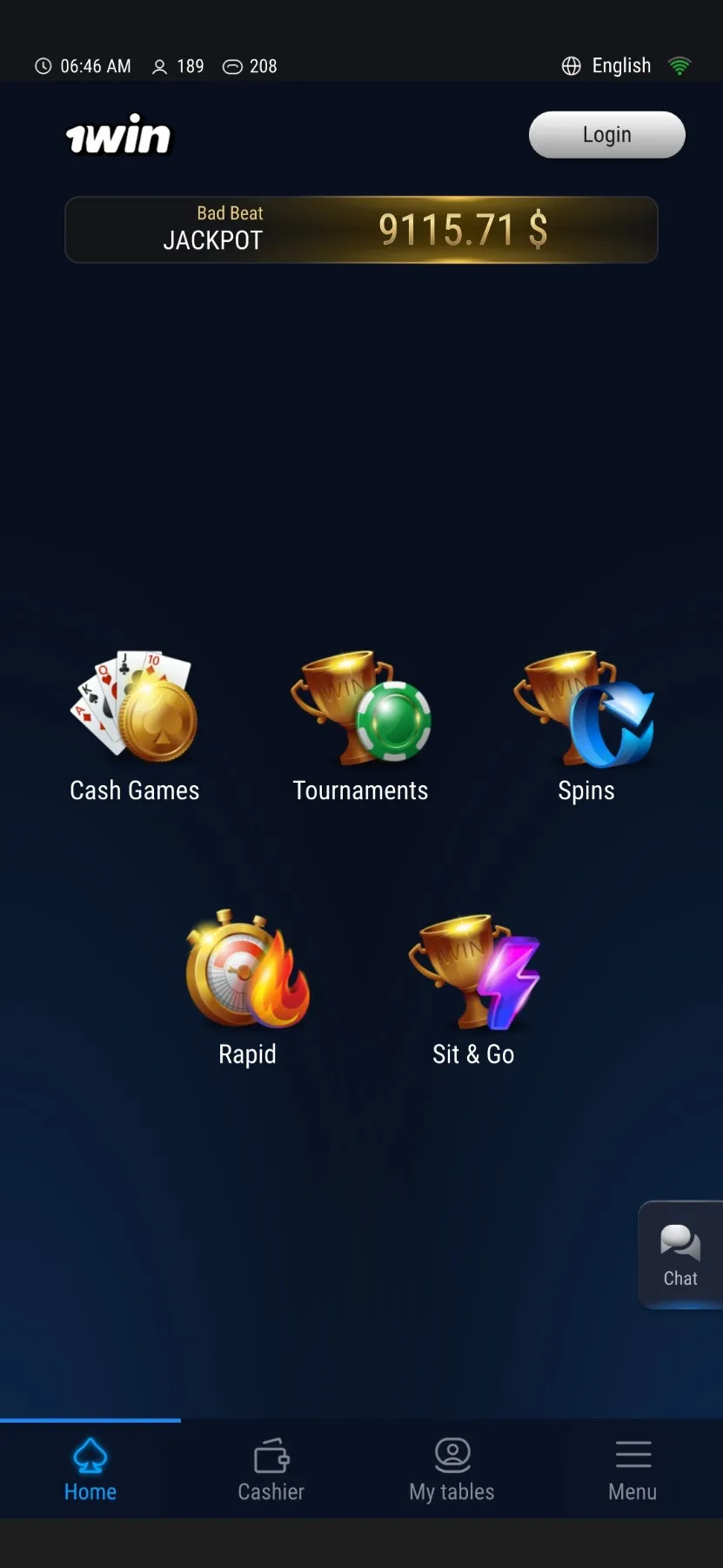
Once installed, the 1Win Poker app will appear on your home screen and you will be able to play instantly, provided you’ve created an account you can play on. If not, registering for an account is easy and should not take more than a couple of minutes within the client.
1Win Poker App Download for iOS
If you own an iPhone or an iPad and are looking to play at 1Win Poker, the process is different from the one reserved for Android users, but even faster.
To add 1Win Poker to your iOS device:
- Visit the operator’s website in your Safari browser.
- Navigate to the Poker section and open the poker lobby.
- Tap the “Share” button in Safari.
- Select “Add to Home Screen.”
- Tap “Add” to confirm.
Just like that, 1Win Poker will be added to your home screen. The PWA will act like a standalone mobile app in many ways, but you will still be playing via the website at the end of the day.
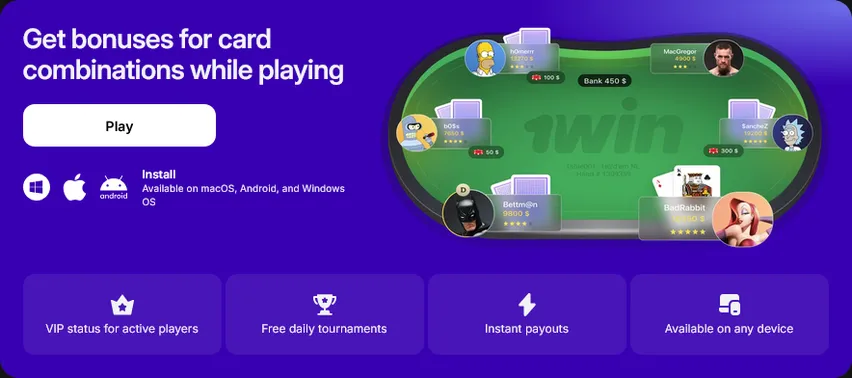
1Win Poker App Download for Mac
Mac users can also download the 1Win Poker desktop client directly from the operator’s website. The installation process is similar to other macOS apps:
- Visit the operator’s website and navigate to the Poker section.
- Click the Apple icon to download the macOS .dmg file.
- Open the downloaded file.
- Follow the installation instructions to add 1Win Poker to your Mac.
- Launch the client and log in to your existing account or create a new one.
You can also access 1Win Poker directly through your browser without installing the software.
The same download process works for all supported desktop and Android devices. Visit the operator’s website, navigate to the Poker section, and choose the icon for your operating system — Windows, macOS, or Android. The website will automatically provide the appropriate installation file for your device.
1Win Poker App Game Variety
Cash games add up to about 90% of all action at 1Win Poker, with micro and low-stakes No Limit Hold’em games dominating the lobby. Cash game stakes start at $0.01/$0.02 and go up to $25/$50, but tables usually only run up to $0.50/$1, with an occasional bigger game.
The app also offers $0.05/$0.10 and $0.15/$0.30 Rapid Poker (fast fold) tables, where you can play the maximum number of hands against a pool of players. Higher stakes Rapid Poker tables are not yet available due to low player liquidity.
When it comes to tournaments, 1Win Poker runs a few dozen tournaments every day, with stakes starting at $0.11 and going up to $105. Freezeouts, re-entry tournaments, knockout events, and turbos are all available, ensuring you can always find a tournament that fits in your preferences.
A major weekly event with a $33 buy-in and a $5,000 guaranteed prize pool is available every Friday. Savvy tournament grinders can get a lot out of this event, as it provides a unique opportunity to play for a significant prize pool against a very weak player pool full of recreational players.
For players looking to jump-start their bankrolls, 1Win Poker also offers a variety of daily and weekly freerolls, and we recommend you add these to your rotation, while also playing freeroll tournaments across other poker sites.






Need Help Setting Up Your 1Win Poker App?
Downloading and setting up the 1Win Poker app across different devices is easy, but you can still run into small hiccups here and there.
If you happen to need help setting up the app on your mobile phone or PC, don’t hesitate to reach out to our customer support team, no matter how small the problem may seem.
Our support agents can help ensure the app runs smoothly on your device and also give you advice as to the other sites you may want to try, the ongoing promotions you can benefit from, and much more.